Specifications
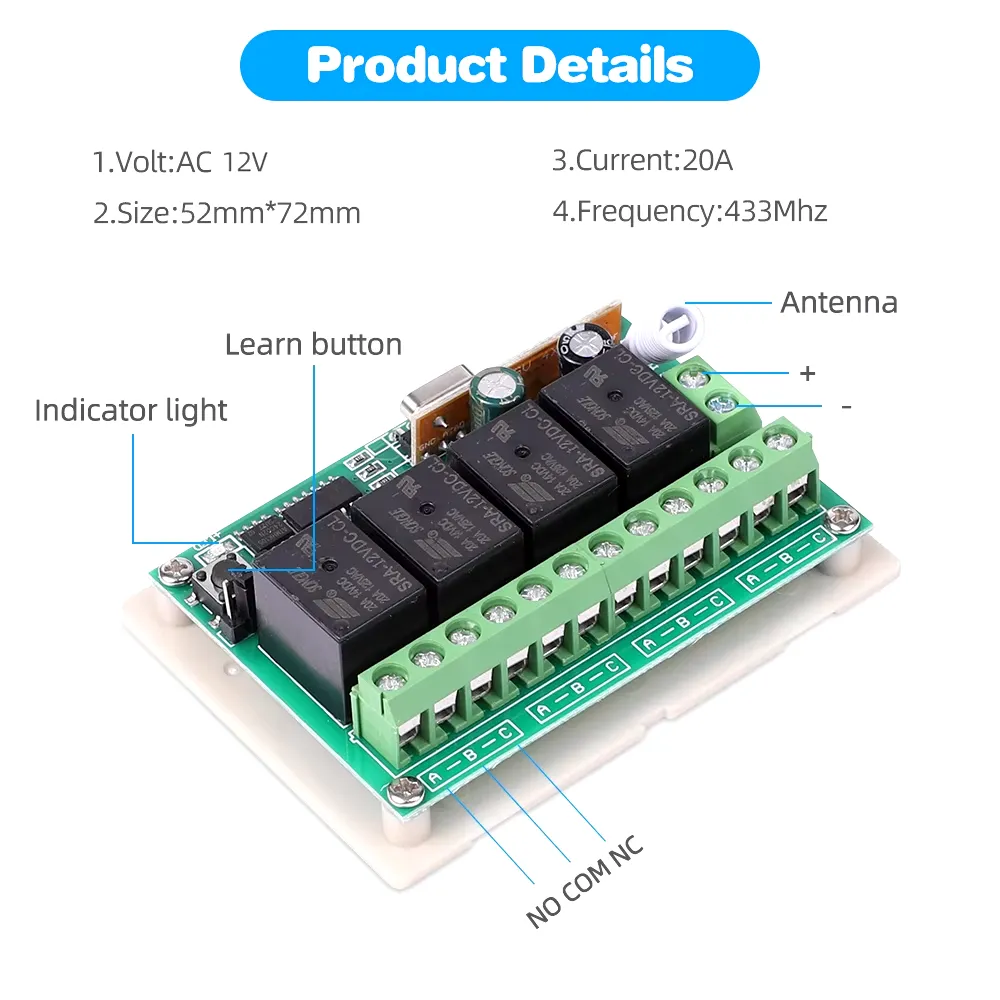
Product Details
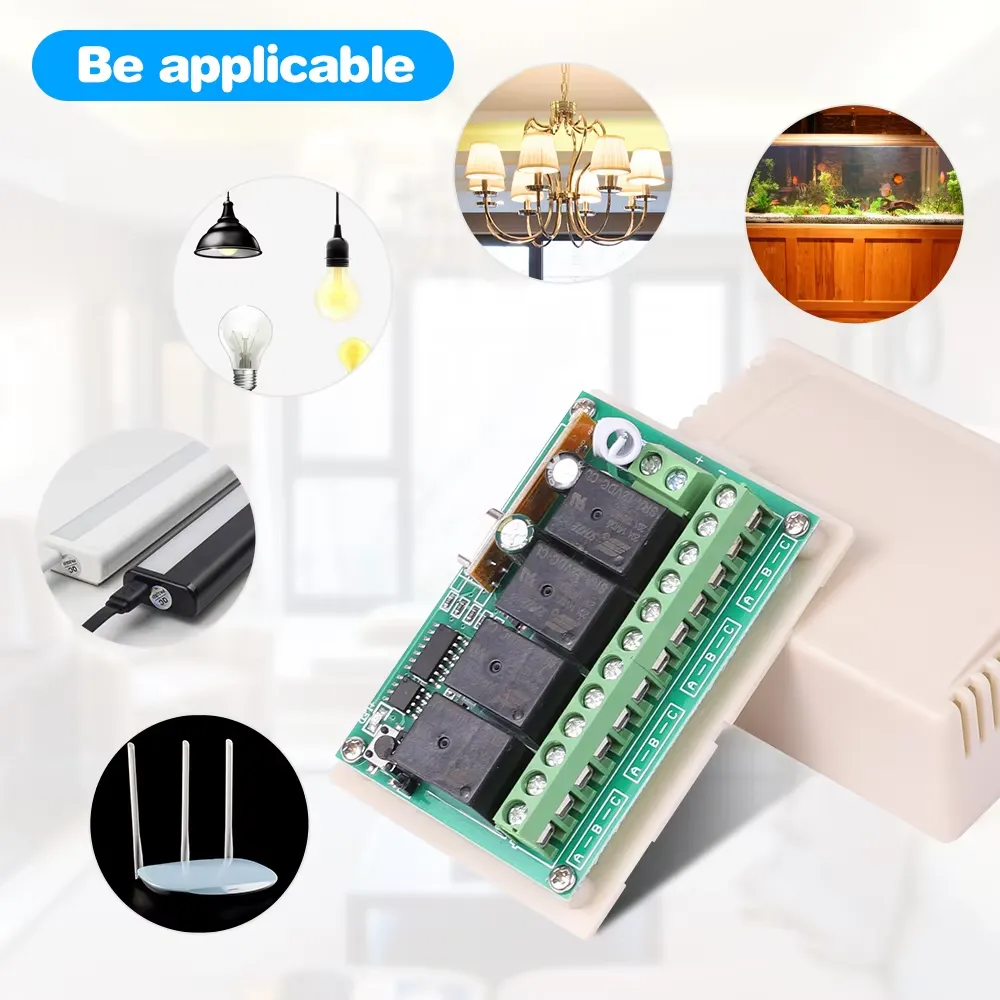
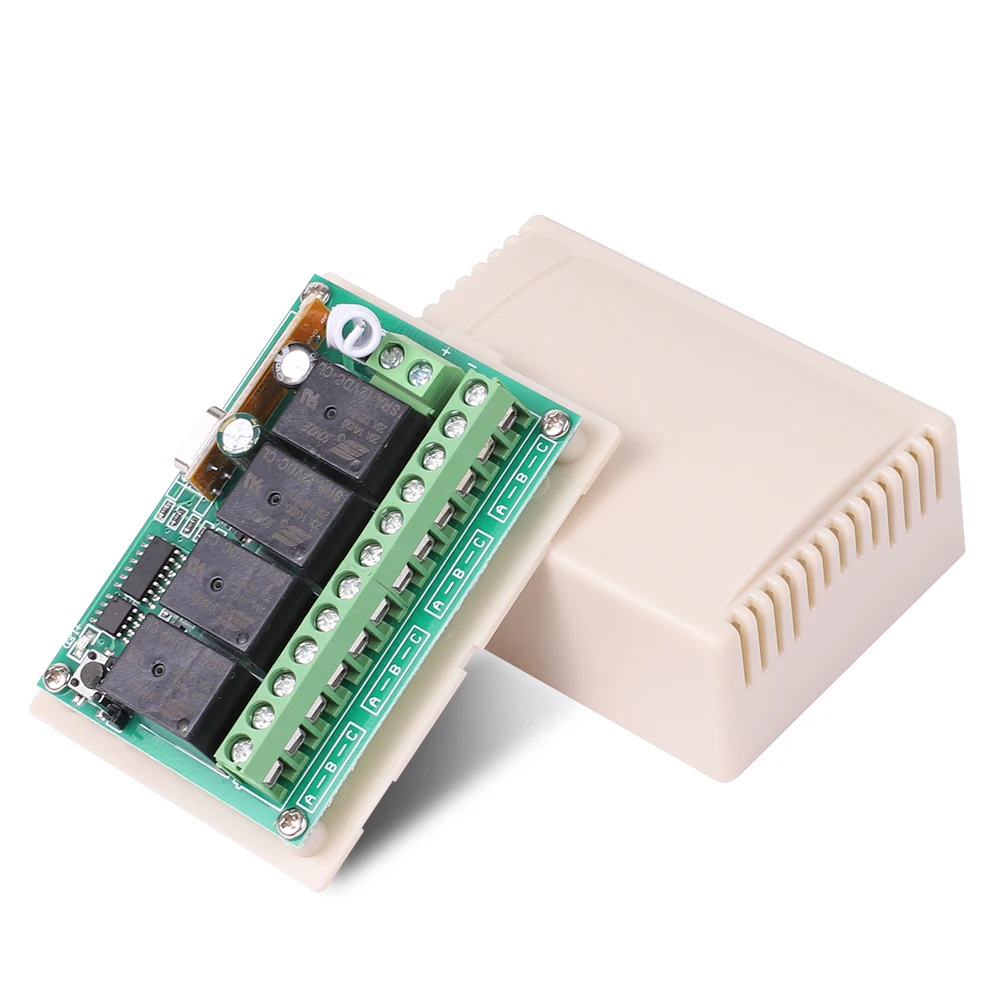
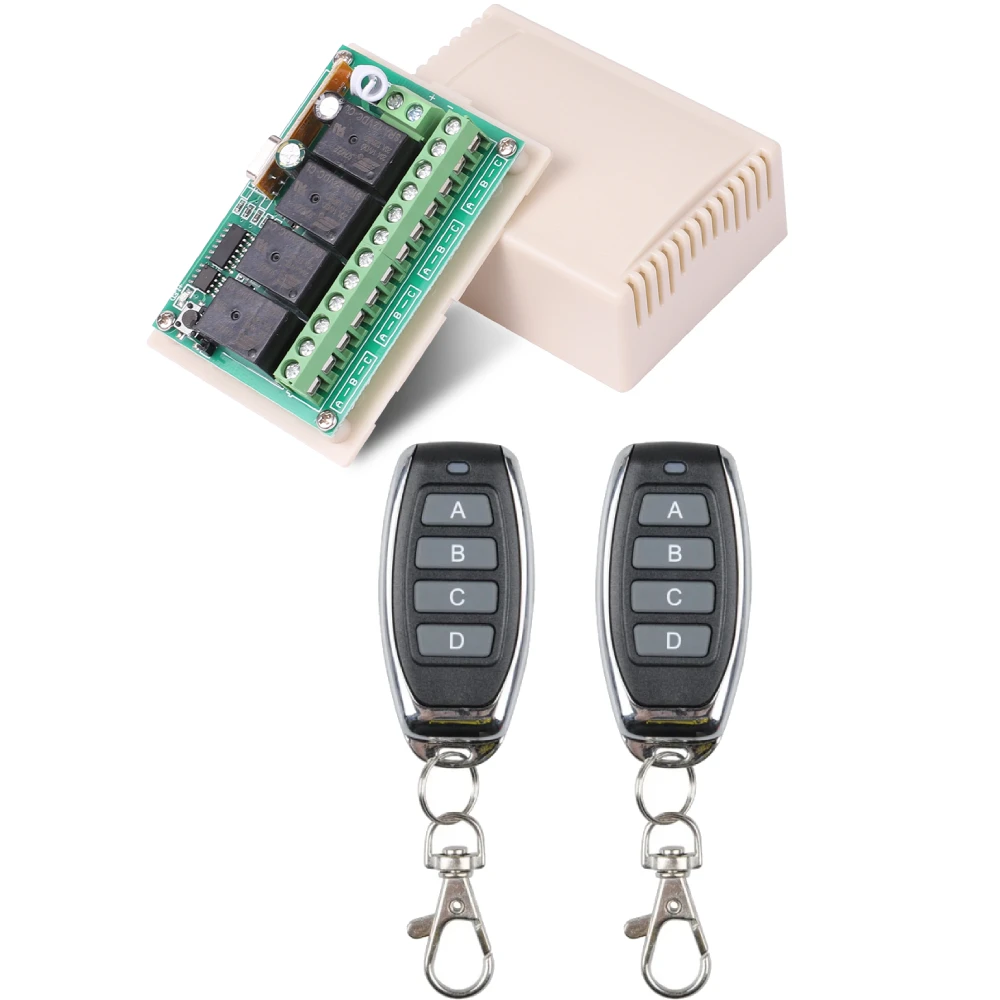
Unlock the potential of modern automation with the 4 Channel Remote Control Switch, a cutting-edge solution for controlling multiple devices from a distance. This product is ideal for those seeking convenience and flexibility in managing home appliances and systems.
Key Features:
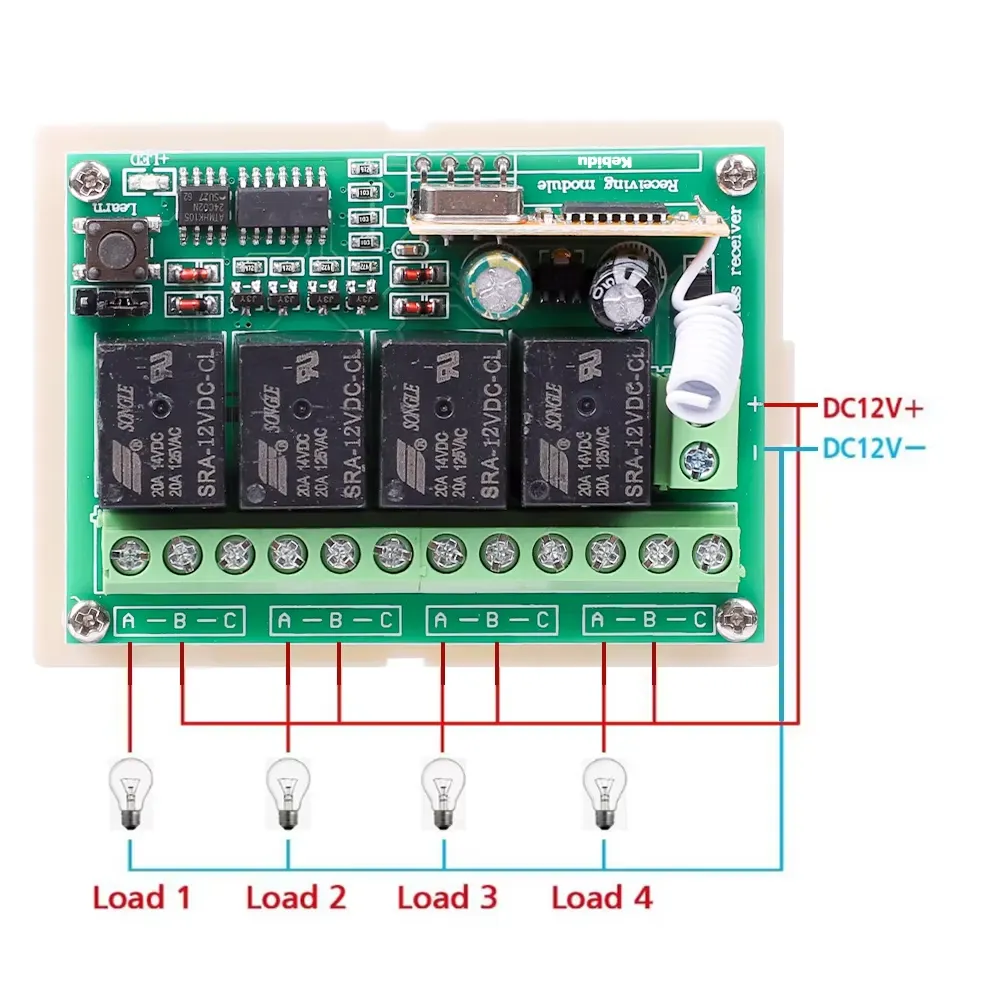
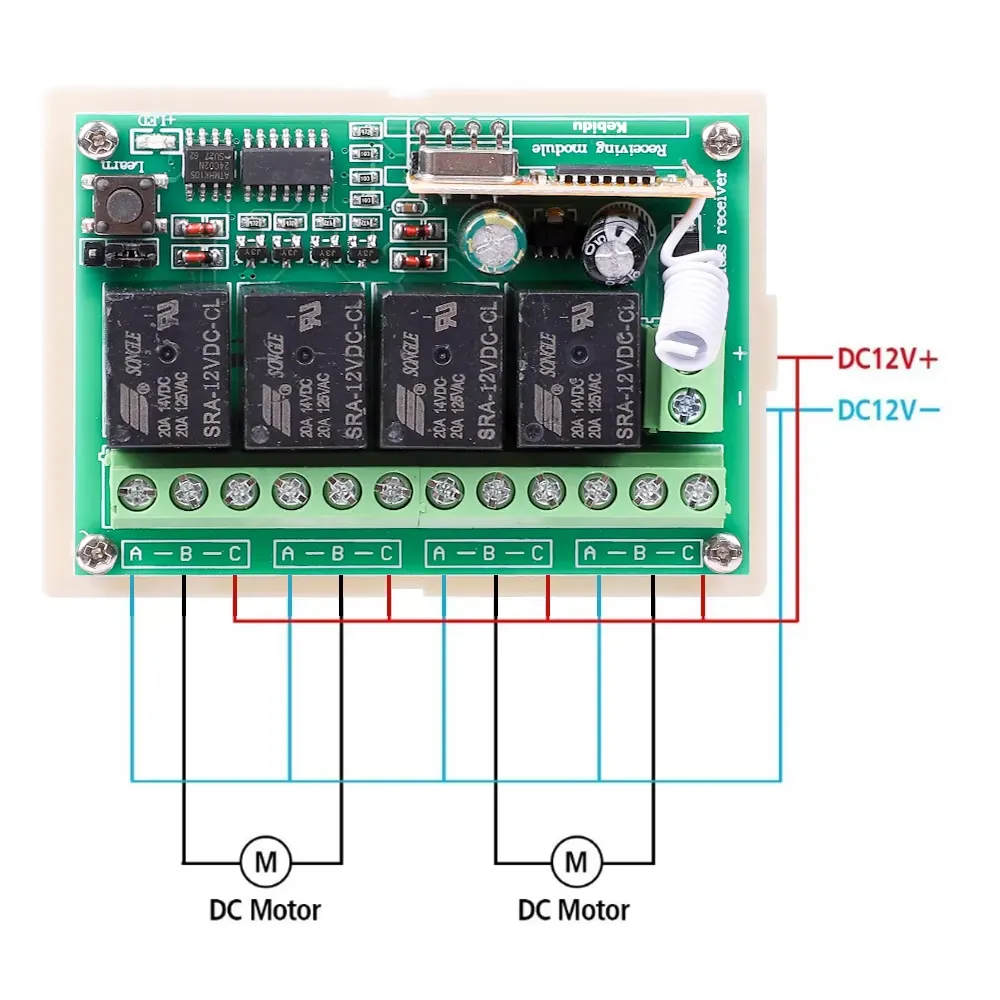
- Working Voltage: Efficiently operates at DC 12V, ensuring reliability.
- Product Type: Equipped with 4 channels for versatile control options.
- RF Working Mode: Utilizes advanced ASK Superheterodyne technology for robust signal processing.
- Reception Modulation Mode: Features ASK modulation for effective communication.
- Working Modes: Offers Momentary, Toggle, and Latched modes to accommodate various functional needs.
- Matching Mode: Incorporates Intelligent Learning Code for easy pairing with remote controls.
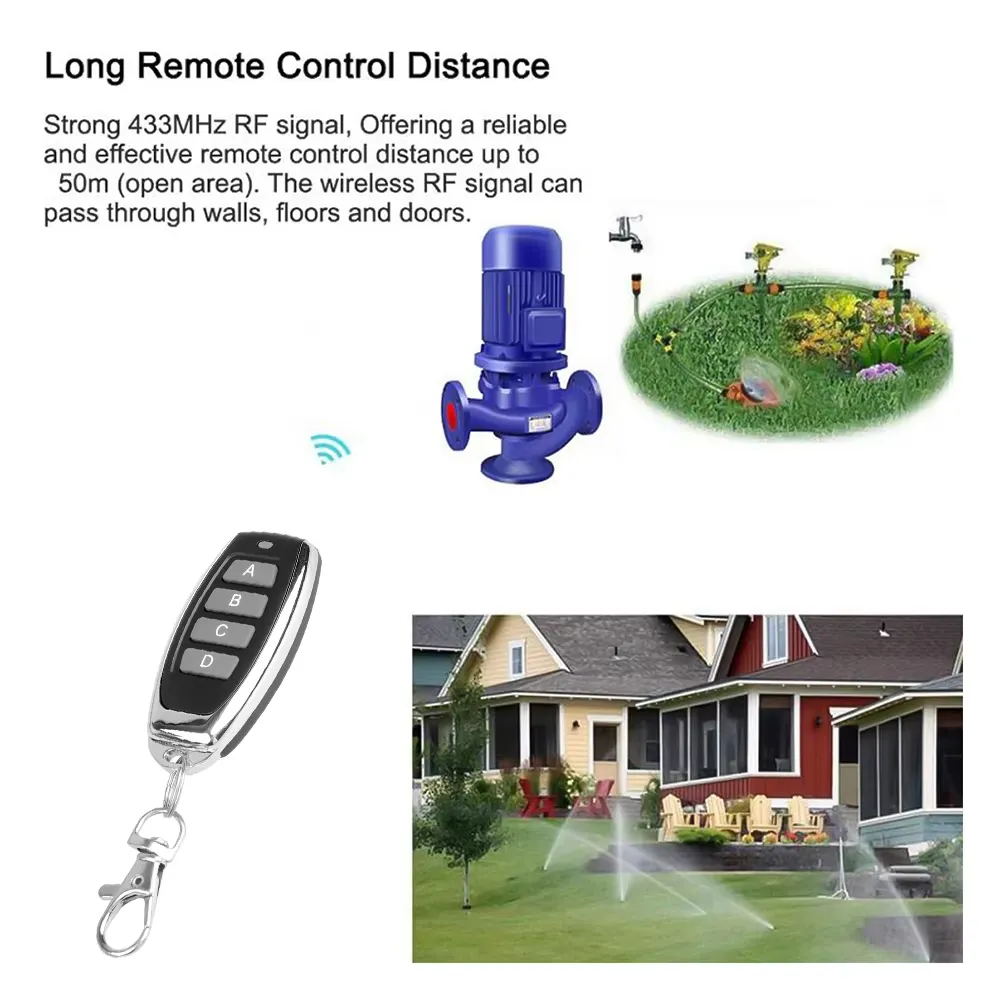
- RF Frequency: Operates on a stable frequency of 433MHz.
- Receiving Sensitivity: Delivers exceptional sensitivity greater than 104 dBm for reliable performance.
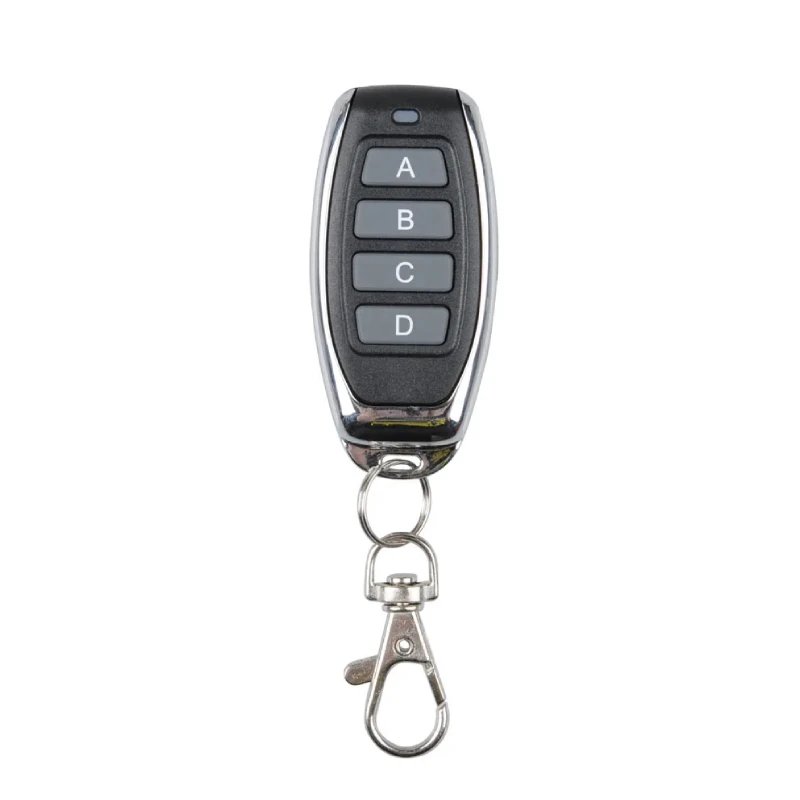
- Remote Control Parameters: Compact size (60*30 mm), includes a battery, and operates at a frequency of 433.92 MHz, with a range of approximately 50-100 meters in open space.
Technical Specifications
- Voltage: DC 12V
- Channels: 4
- Modulation Type: ASK
- RF Frequency: 433MHz
- Sensitivity: >104 dBm
- Remote Control Size: 60*30 mm
- Remote Control Frequency: 433.92 MHz
- Color: Black
- Code Type: 1527 learning code
- Operating Range: 50-100 meters in open space
Operation Introduction
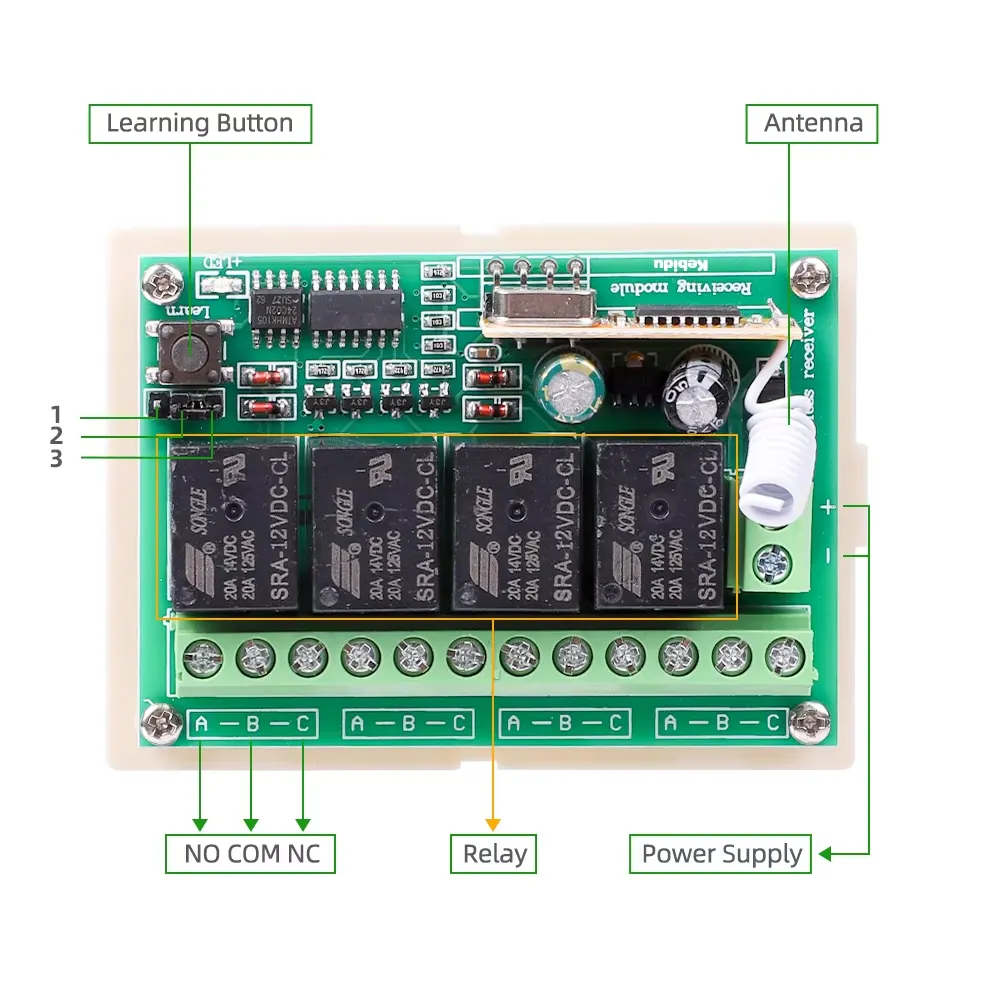
- The operation mode is set by the position of the jumper that is located on the upper left corner of the board, just below the learning button.
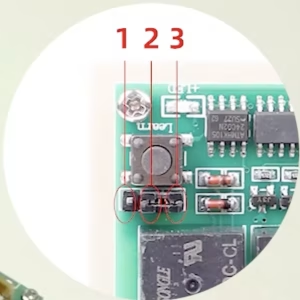
- Momentary (Non-locking mode): Press and hold to activate; release to deactivate. Vacant 1, 2, 3
- Toggle (Self Locking mode): Press once to activate; press again to deactivate. Short circuit 2 & 3
- Latched (Inter Locking mode): Press one button to activate; press another to deactivate. Short circuit 1 & 2
Clearing the Code:
Press the Learning Button on the receiver for 6 second to clear all codes. After clearing, no remote controls will work.
Pairing Remote Controls:
To pair a remote control with the board, press the learning button until the led on the board is turned off. Then press any key on the remote until the led on the board flashes 3 times.
Experience seamless automation with the 4 Channel Remote Control Switch, designed to enhance convenience and efficiency in everyday tasks.